


PolyCast5
PolyCast5 — Multi-Tool Everything Remote
PolyCast5 — Multi-Tool Everything Remote
PolyCast5 is a open-source multi-tool remote to control projects, manage passwords, run AI keyboard scripts, manage media, save remotes, analyze network packets, and so much more.
Couldn't load pickup availability
International orders may be subject to VAT/duties upon delivery.
What's in the box
- PolyCast5
- USB-A to USB-C cable
- Vinyl sticker


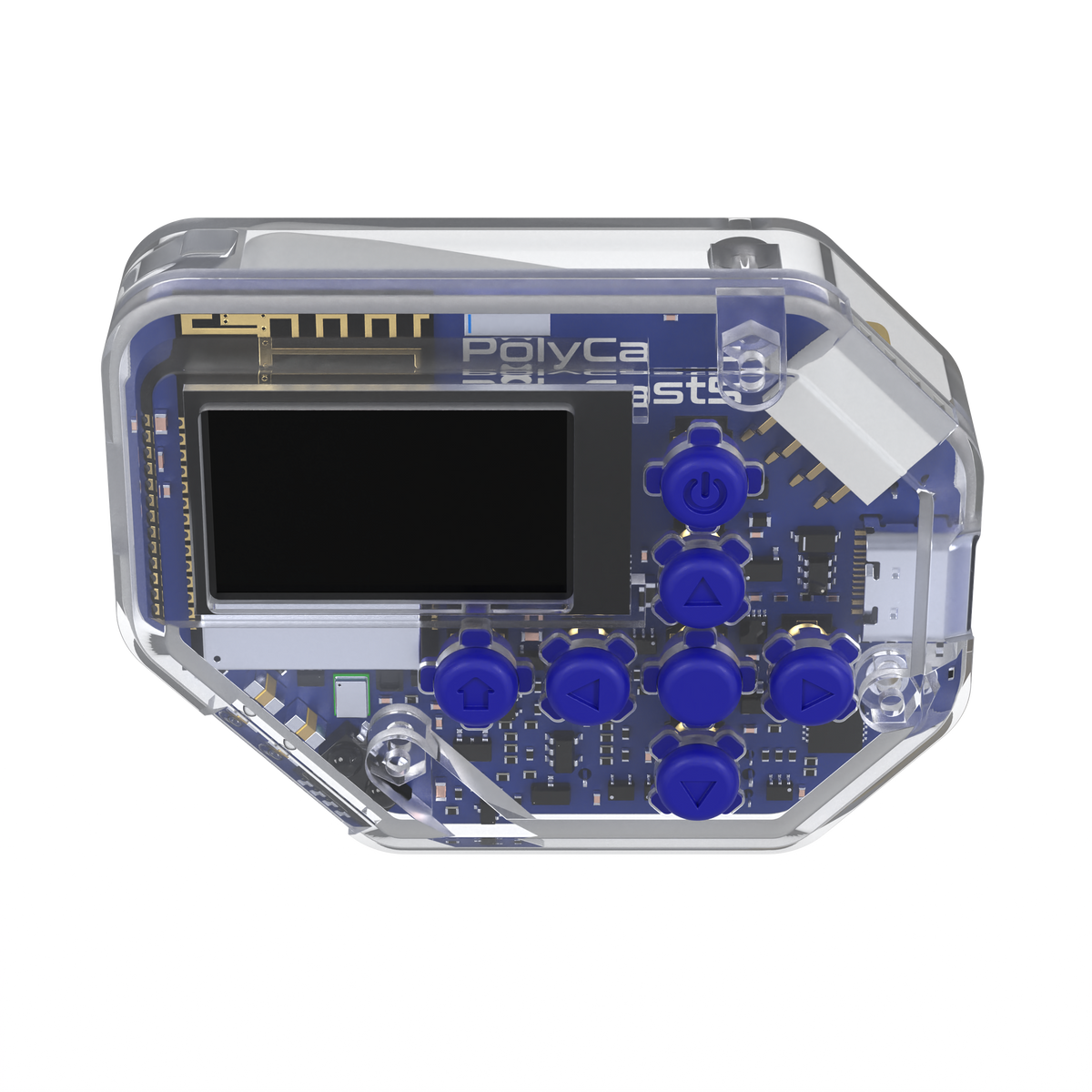
Tech Specs

Core
- Processor: ESP32-C5 (RISC-V, 40 nm)
Wireless
- Wi-Fi: 802.11ax (Wi-Fi 6), dual-band 2.4 GHz + 5 GHz
- Bluetooth: Bluetooth 5 (LE) - pairs as a keyboard and media controller
- LoRa: SX1262, 915 MHz - over a kilometer of range LOS
- ESP-NOW: Low-power peer-to-peer link to your own ESP32 projects
- Infrared: 38 kHz learning and replay, digitally save remotes
Power
- Battery: 1500 mAh rechargeable - 18 hours continuous, 6 days in sleep
Physical
- Size: 6.2 x 4.56 cm - fits a t-shirt pocket
- Sensors: eCompass (accelerometer + magnetometer)
- Controls: Microphone, haptic vibration motor, RGB lighting
Expansion
- Expansion: Broken-out I2C GPIOs for your own hardware
- Programming: USB Serial/JTAG - flash it over USB, no programmer needed
Firmware
- Firmware: Open source, updates itself over Wi-Fi
- Security: Login PIN, optional secure boot and flash encryption
Questions
When does my preorder ship?
Preorders ship once the Kickstarter rewards have been fulfilled. The current estimate is November 2026 - though this is subject to change.
Is the firmware really open source?
Yes! The PolyCast5 and PolyPlug firmware are available on GitHub so you can always customize/verify your device.
Can I add my own hardware?
Yes! The I2C GPIOs are broken out, so if PolyCast5 is missing a feature you want you can add it yourself. There is a built-in communication terminal on the device for sending commands to external hardware.
What is a PolyPlug?
An optional low-cost, LoRa-enabled smart plug. Send it an on/off command from your PolyCast5 and it switches whatever is plugged into it using super long-range wireless. You can learn more here.
How do I update it?
Just go to Settings > Check for Updates on the device. It will update automatically over Wi-Fi if a new update is available. There is also a browser-based flasher in the Tools section if you ever want to flash manually or recover a unit.
